
How to Build a KPI Dashboard That Drives Team Success
October 25, 2026
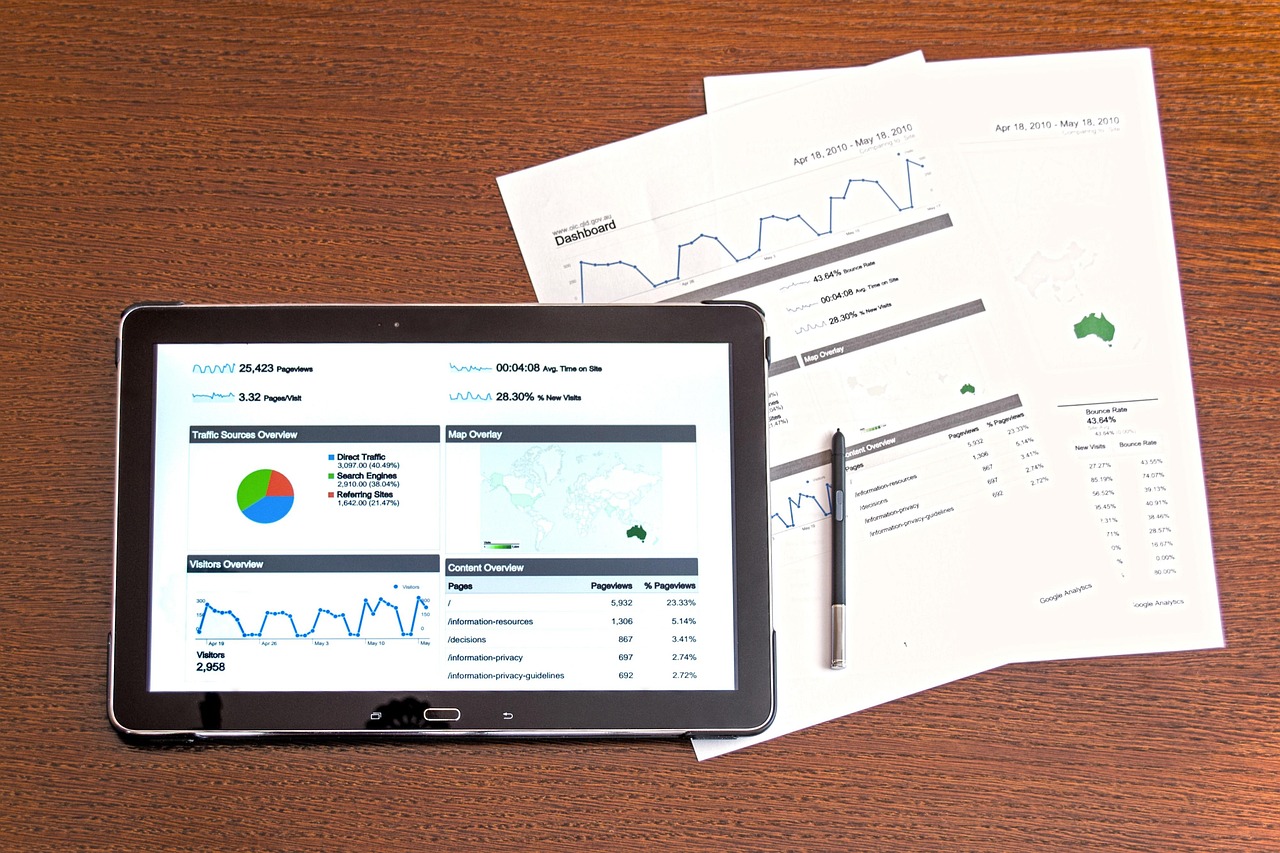
Understanding the Role of KPI Dashboards
In the fast-paced environment of startups and small teams, a well-structured KPI dashboard can serve as a critical tool. It's not just about tracking metrics; it's about aligning actions with business goals and driving performance improvements.
Why KPIs Matter
Key Performance Indicators (KPIs) are metrics that help you understand how well your team is performing against your strategic goals. They offer a window into your operations, allowing for real-time adjustments and productivity boosts.
The Benefits of a Good KPI Dashboard
- Clarity: Dashboards offer a clear visualization of progress and setbacks.
- Focus: They help prioritize efforts on what matters most.
- Accountability: KPIs foster ownership among team members.
- Performance: By tracking the right KPIs, teams can improve operational efficiency.
Choosing the Right KPIs
The effectiveness of a KPI dashboard largely depends on selecting the right metrics. Start by aligning KPIs with your business objectives.
Steps to Choose KPIs
- Identify Your Goals: What are your top-level business objectives?
- Drill Down: Break down these objectives into smaller, measurable goals.
- Select Metrics: Choose KPIs that directly measure progress towards these goals.
- Prioritize: Focus on a handful of KPIs that will have the most impact.
Example KPIs for Different Areas
- Sales: Conversion rate, average deal size
- Marketing: Lead generation, website traffic
- Customer Service: Resolution time, customer satisfaction score
- Operations: Cycle time, defect rate
Designing a Dashboard that Gets Read
A dashboard should be user-friendly and visually engaging. The design and layout are crucial to ensuring that team members will use it regularly.
Design Principles
- Simplicity: Avoid clutter; use clear and concise visuals.
- Relevance: Display only metrics that matter to the viewer.
- Customization: Allow team members to personalize their view.
Tools and Software
Leveraging the right tools can simplify the process. Consider platforms like Google Data Studio, Tableau, or a custom solution that integrates with your existing systems.
Regular Reporting and Review
A dashboard is only as good as its updates. Set a regular schedule for reviewing the data and making necessary adjustments.
Daily and Weekly Reports
- Daily: Focus on quick metrics that provide immediate insights.
- Weekly: Dive into more detailed reports to track longer-term trends.
Using Reports Effectively
- Action Meetings: Discuss KPI outcomes in team meetings to drive decisions.
- Feedback Loops: Use insights to tweak strategies and improve outcomes.
Leveraging AI for KPI Management
Incorporating AI tools such as Badtool can further streamline the process. By automatically assigning tasks, grading output, and generating reports, AI can help ensure that your team remains focused and aligned with the KPIs.
How AI Enhances KPI Dashboards
- Efficiency: Reduces manual work in collecting and analyzing data.
- Consistency: Provides a standardized approach to reporting.
- Insights: AI can identify patterns and trends that might be missed.
Conclusion
Building an effective KPI dashboard is more than a technological challenge; it's about embedding KPIs into the fabric of your team’s workflow. With the right strategy, tools, and perhaps a touch of AI, you can ensure your dashboard not only gets read but drives meaningful action.